How KorPro Works
Get started with Kubernetes resource optimization in 5 simple steps
Get Your License Key
Sign in to KorPro and go to Settings → Inspector. Copy your license key — the page shows ready-to-run install commands with your key already filled in.
- Free tier available — no credit card
- License key gates API access
- Manage all connected clusters from one dashboard
- Rotate keys anytime from Settings
Deploy the Inspector
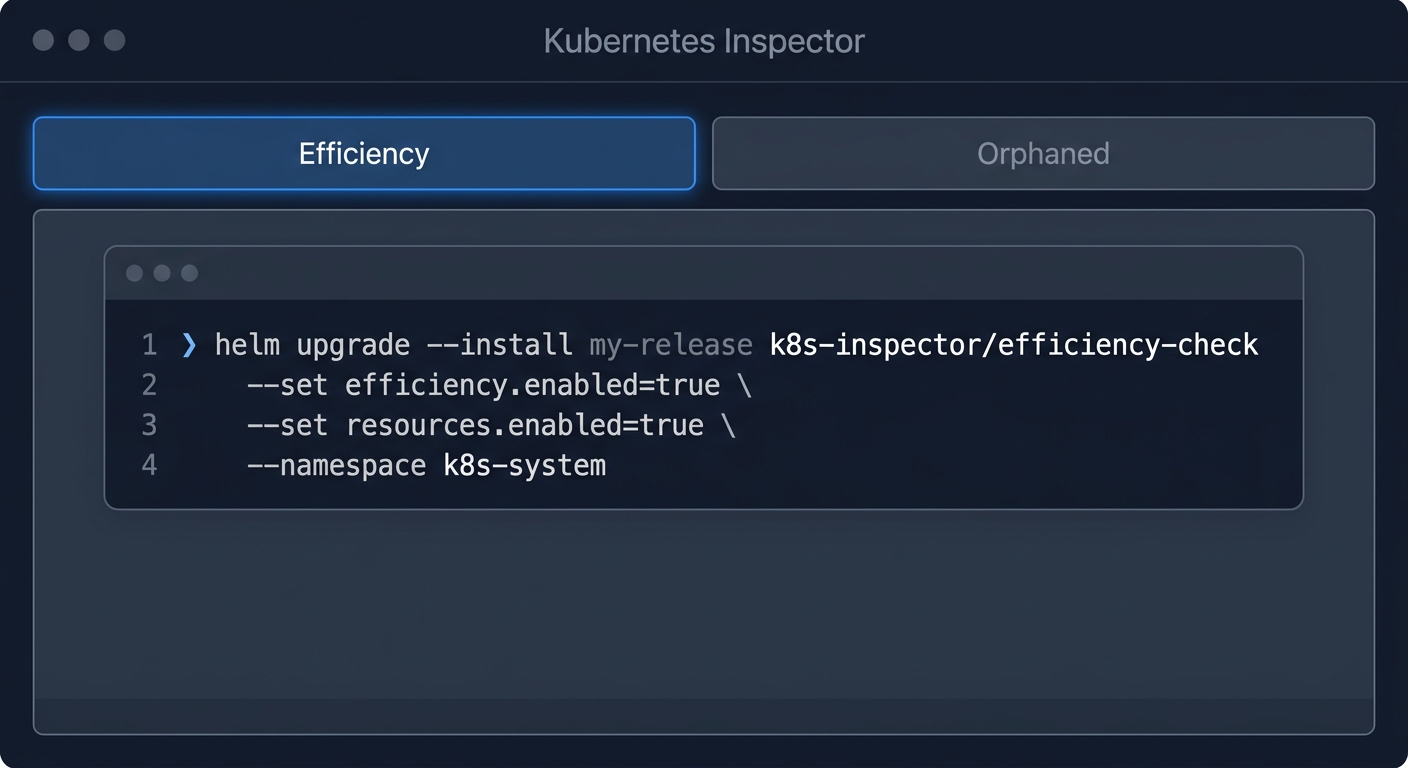
Install the self-hosted KorPro Inspector with a single Helm command — it runs entirely inside your own cluster. Choose Efficiency mode (default) for rightsizing + idle workload + orphaned detection, or Orphaned-only for a lighter install without Prometheus.
- Efficiency mode: rightsizing + idle + orphaned (installs Prometheus, ~150 MiB)
- Orphaned-only: lightweight, no Prometheus, orphan detection only
- Auto-creates ClusterRole, ServiceAccount, and CronJob
- Air-gapped clusters supported via report output mode
Inspector Scans Your Cluster
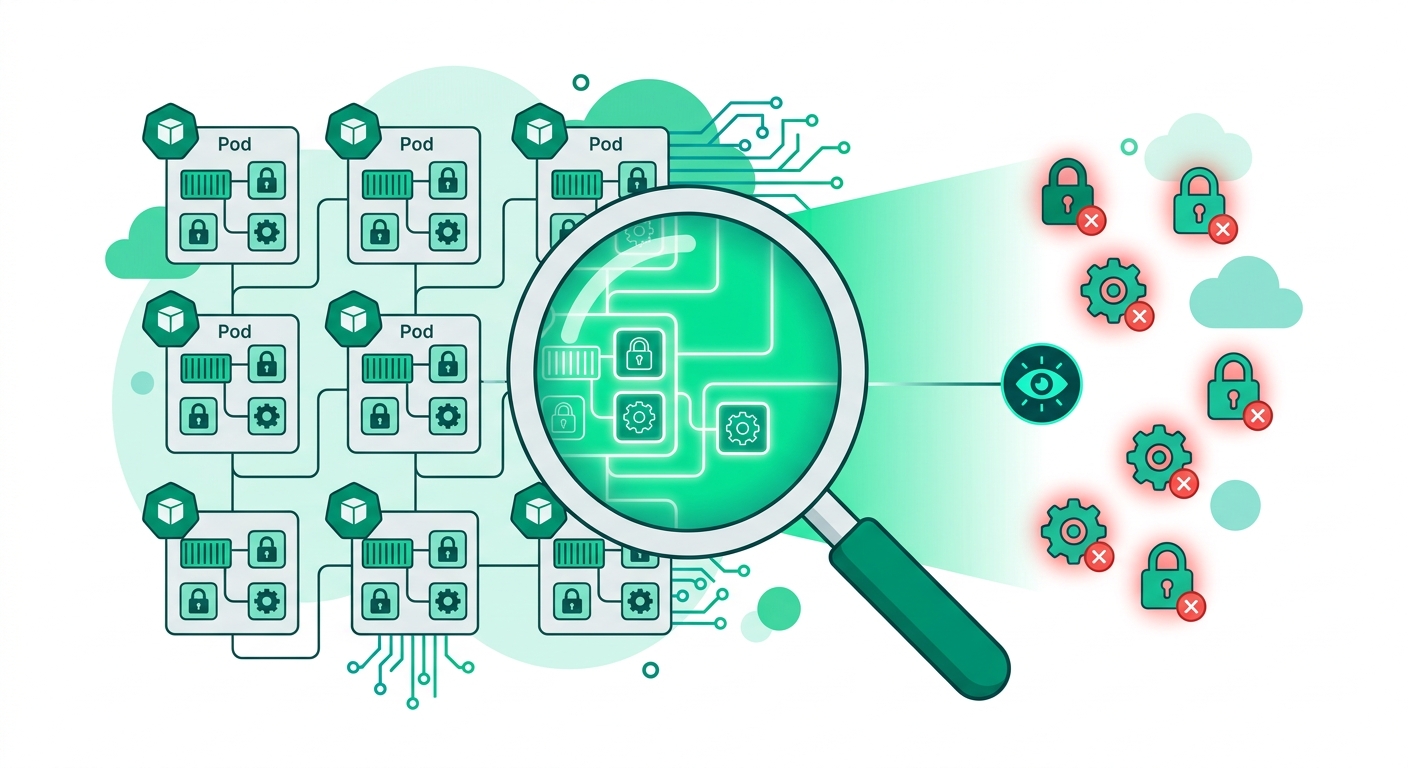
The Inspector runs inside your cluster: it validates RBAC permissions, scans for unused resources, builds a dependency graph, detects transitive orphans, and enriches every finding with cost estimates.
- RBAC pre-check before every scan
- Transitive orphan detection via dependency graph
- Cost enrichment for GKE, EKS, AKS
- Cluster health, efficiency & security scores
Results Appear in Dashboard
Findings are posted to your KorPro dashboard automatically. Your cluster appears under Settings → Inspector → Connected Clusters after the first scan (~1–2 min).
- Auto-detects provider, region, and cluster name
- Full orphan list with cost per resource
- Direct vs. transitive orphan classification
- Offline fallback to local JSON if API unreachable

Continuous Monitoring
The CronJob runs every 6 hours by default. Scan history, trends, and health scores update automatically so you can track your cleanup progress over time.
- Configurable schedule (default: every 6h)
- Scan history with per-scan metrics and trends
- Failed scans never overwrite previous valid data
- Auto-update notifications when a new Inspector version is available
Architecture Overview
KorPro is self-hosted: the Inspector runs inside your own cluster — only findings leave your environment
Your Kubernetes Cluster
Inspector CronJob runs here
HTTPS POST
Findings only — encrypted
KorPro Dashboard
Results & Insights
Ready to get started?
Deploy the Inspector into your cluster and start seeing unused resources in minutes.